

001
Comments lose their context.
A comment arrives on an old screenshot. Before the next revision, someone has to establish which version the client means.
Visual Studio by Agentic Visual helps interior designers, showrooms and product teams develop AI room visuals from photos, drawings and product references. Keep the options, client feedback and your recommendation together in one project.
Room and product visuals
References beside the image
Comments on a shared version
Options and your recommendation
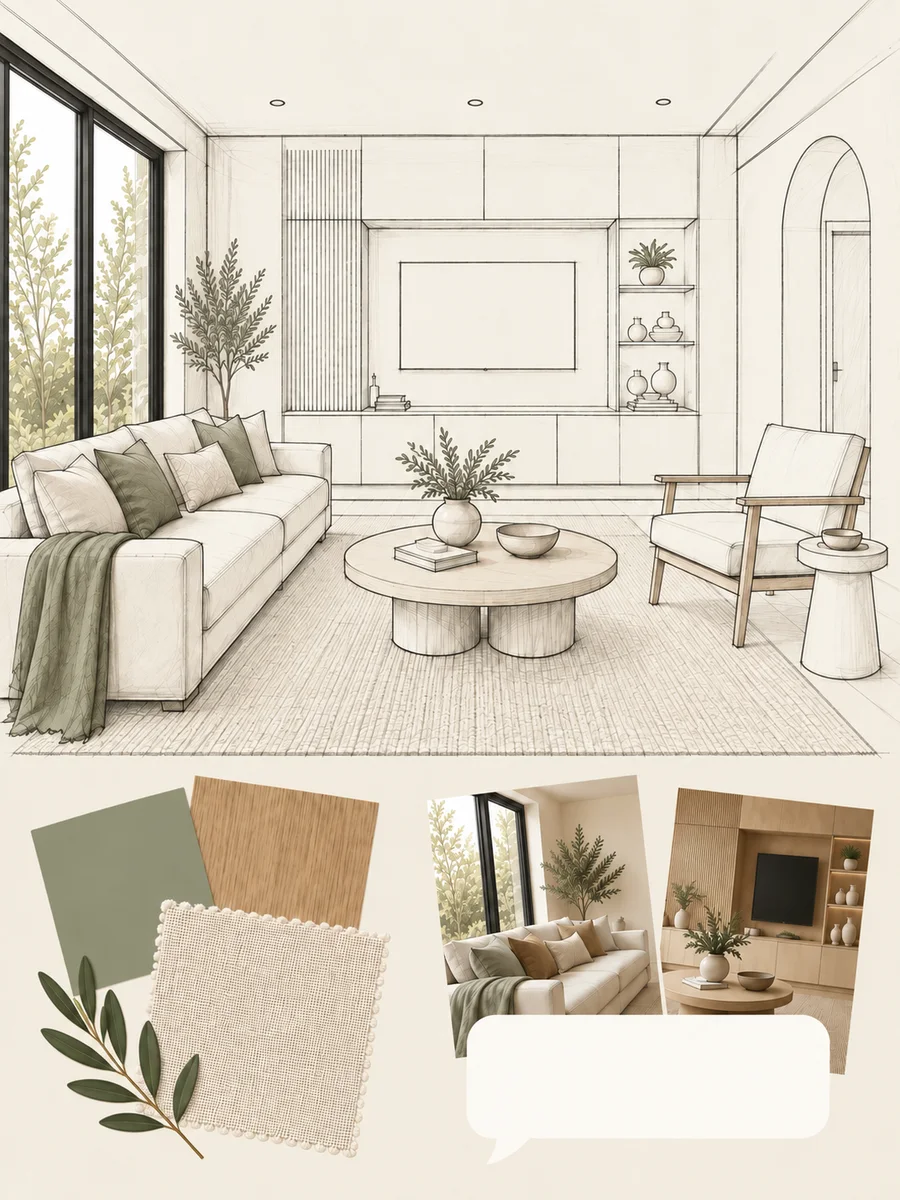
A drawing, sample or saved image can start the conversation without giving the client enough to choose a direction.
001
A comment arrives on an old screenshot. Before the next revision, someone has to establish which version the client means.
002
The client can inspect the material, but still needs help picturing it beside their floor, furniture and finishes.
003
The person who usually prepares the room image is busy. The client conversation waits with it.
004
They like the idea but need to see the options in context before choosing a direction.
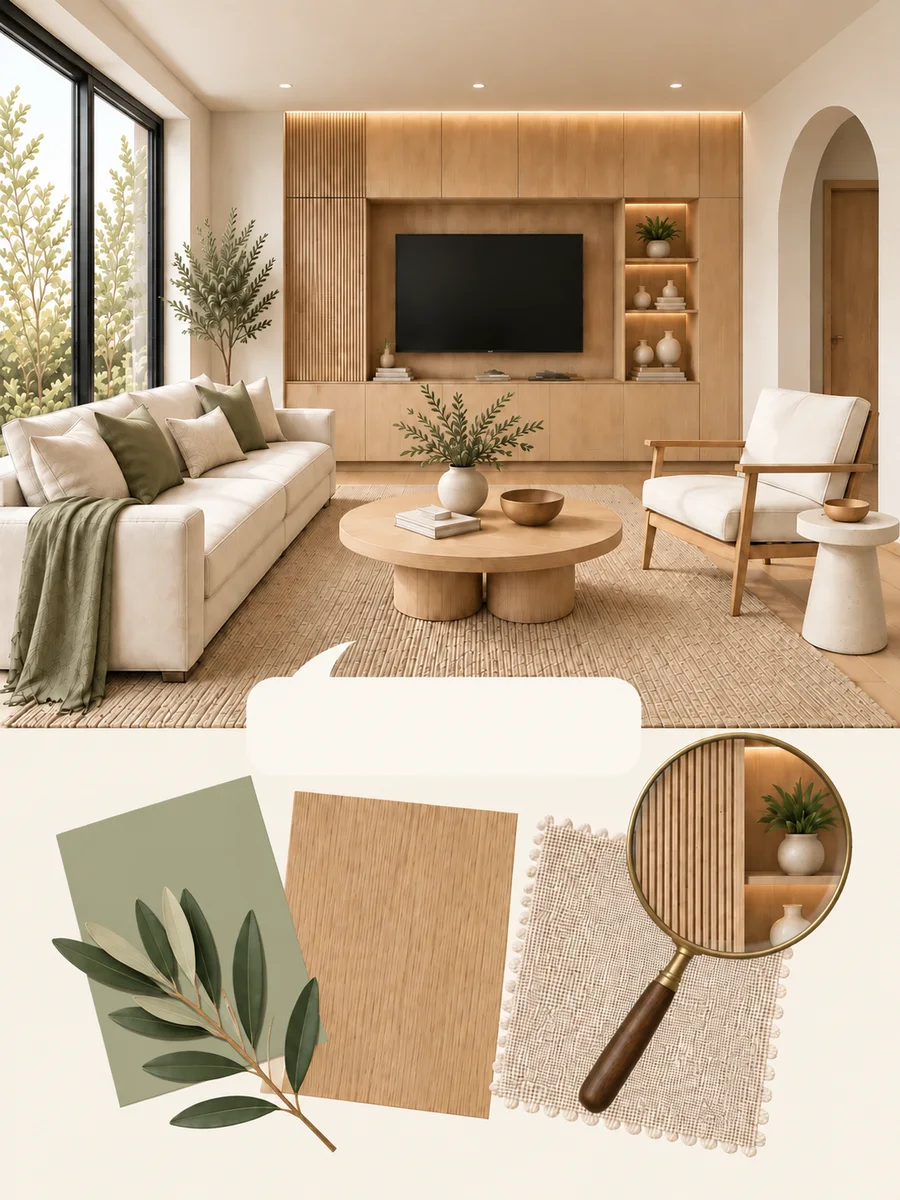
Brief a specialist AI team from the drawing, room photo or product reference, then check the result before sharing.
001
The client’s response stays with that version, giving you a clear starting point for the next review.
002
Show how a product could look with the surrounding interior. Keep the actual product reference beside the visual.
003
Studio Assistant helps you prepare the input and instructions. A specialist AI team produces the visual; you review it before the client does.
004
Good enough to show a client, decide a direction, and choose between options; not accurate enough to approve a finish, match a colour, or build from.
You lead the work, specialist AI teams prepare visuals, and clients respond to the options you share.
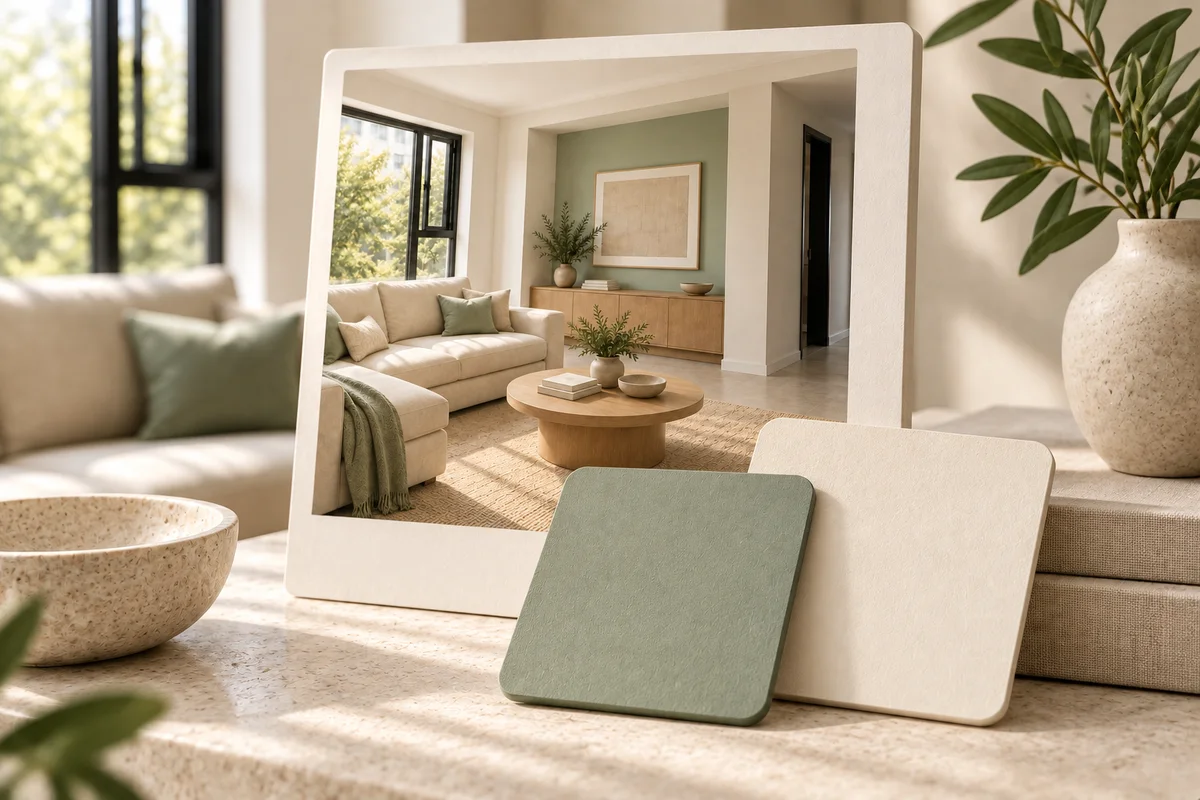
Illustrative example: a customer likes a sample but needs to picture the product with the rest of their room.
Start with the room photo and product reference. If the customer brings inspiration instead, assess candidates from a connected catalog.
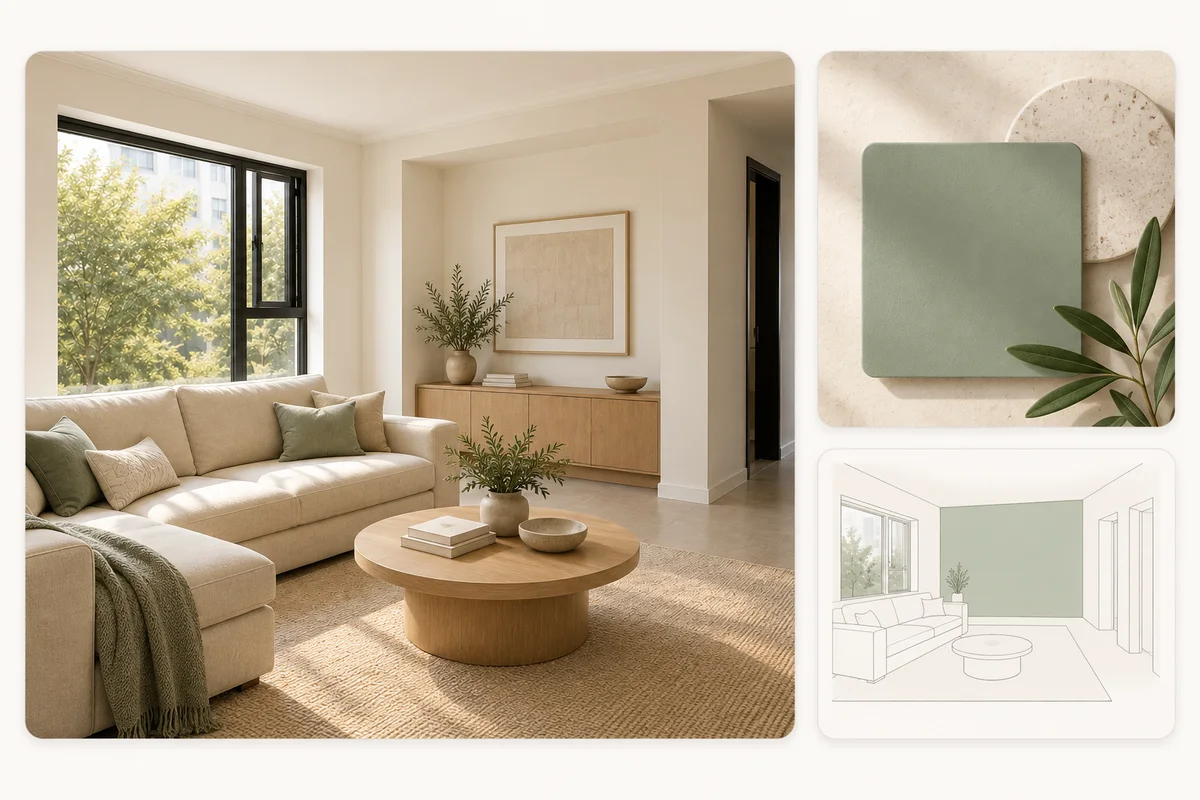
Brief the relevant specialist and review the visual for unintended changes. Keep the actual product information with the image; confirm dimensions and suitability against that information.
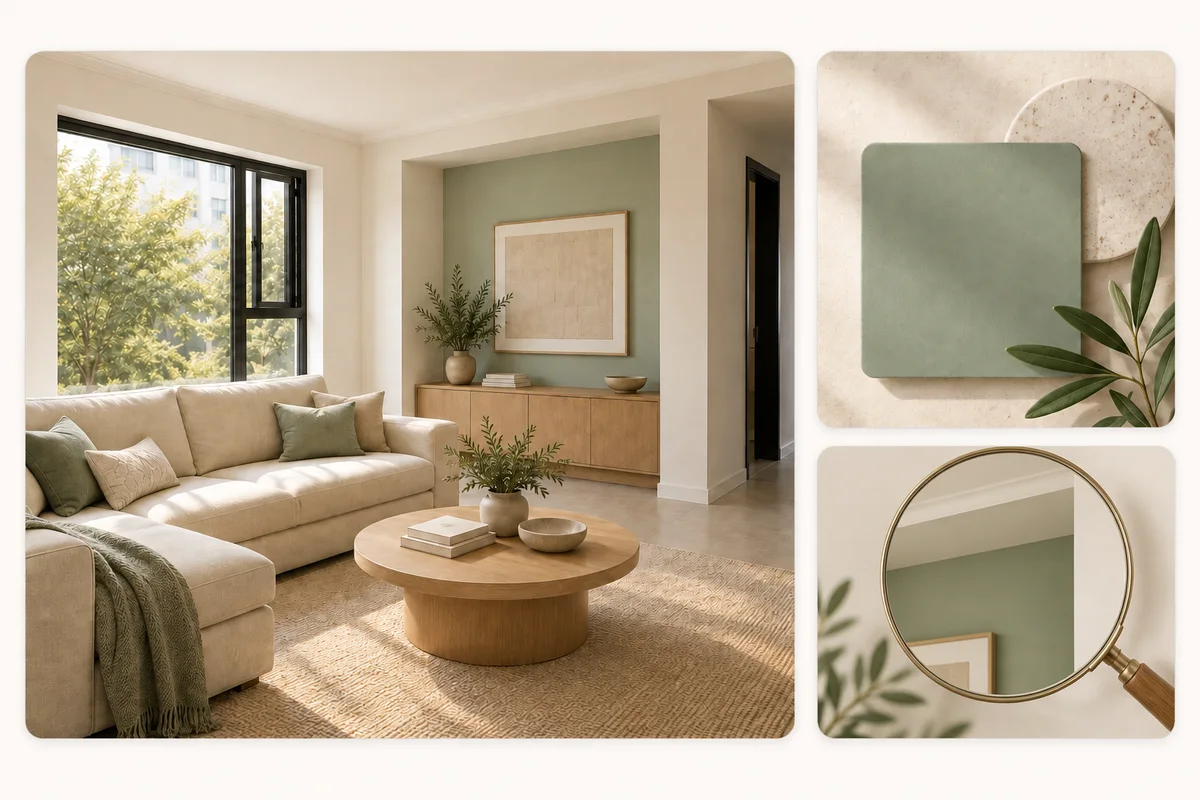
Use the reviewed image to choose which actual samples to inspect. Purchases happen outside Studio.
Illustrative example: a direction is agreed, but the client’s next request arrives without a clear reference to the version.
Give the client a project link to the option you want to discuss. Their response stays with the version you shared.
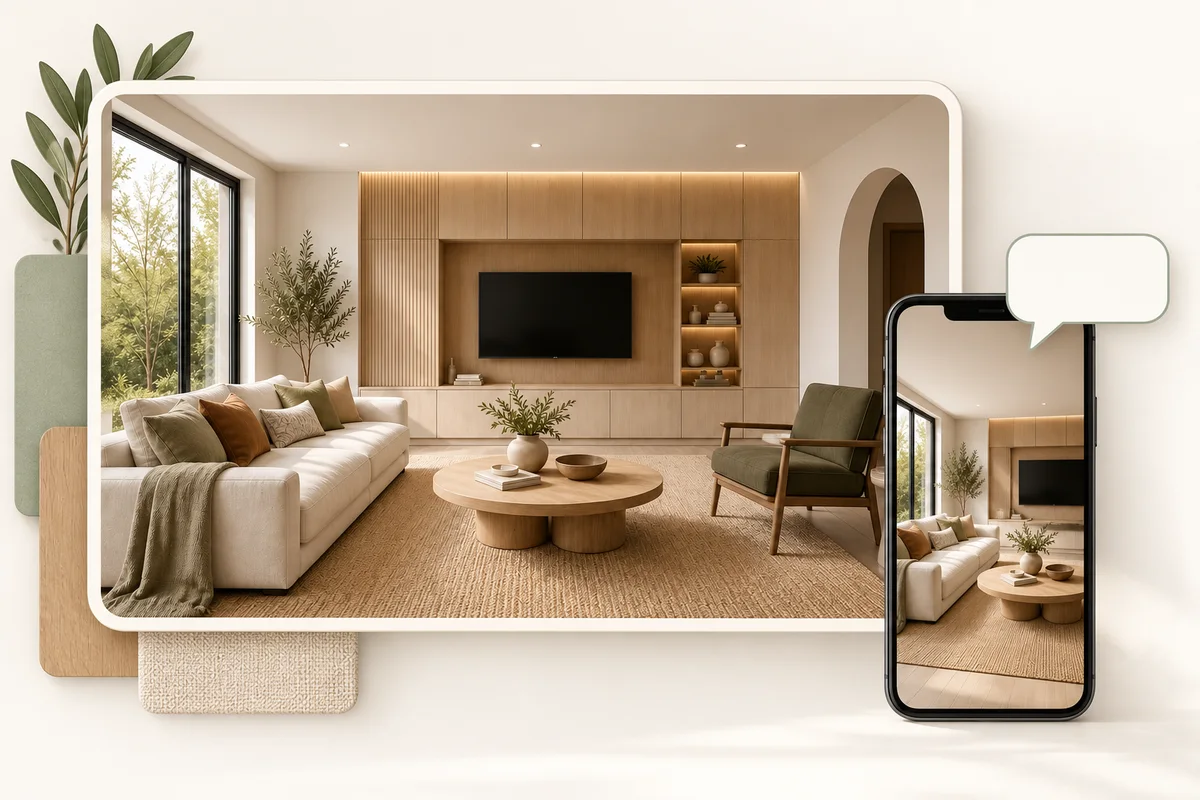
Use the client’s comment to brief the next revision. Check the requested change and surrounding scene before sharing again.
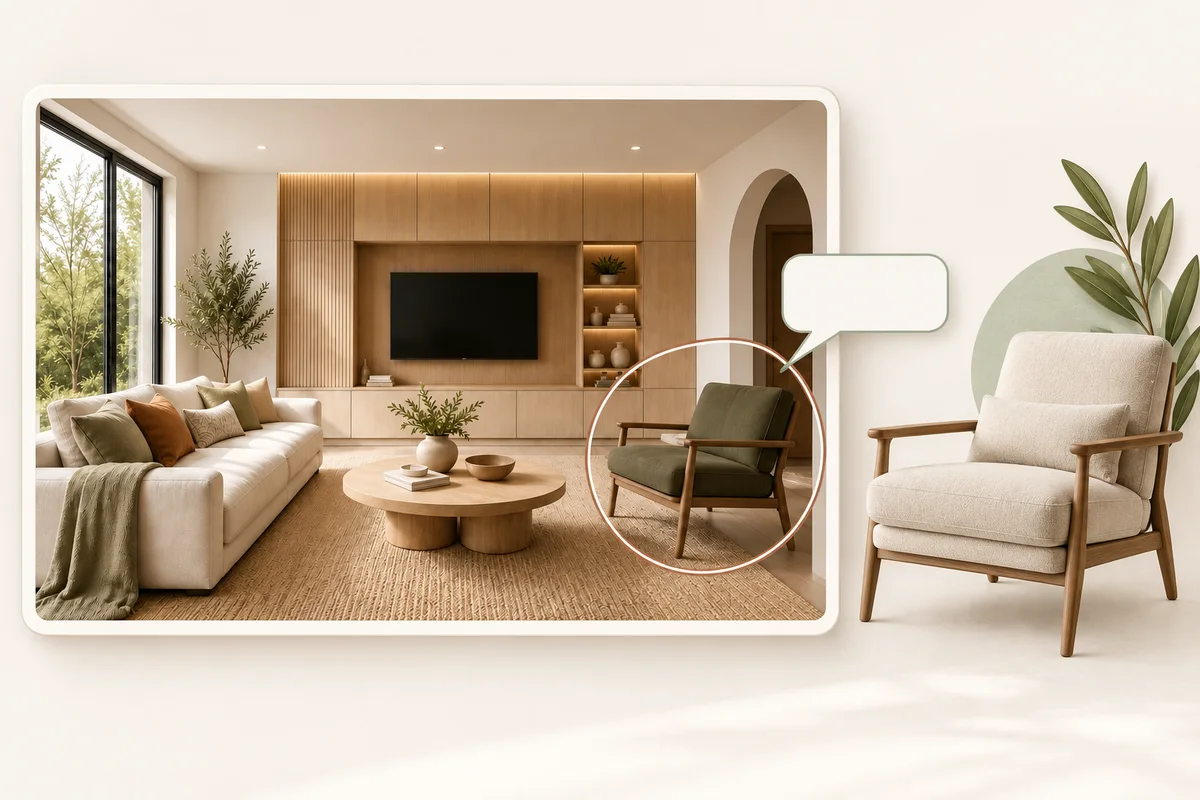
Bring the reviewed visual, relevant product information and your reasoning into the proposal. It supports the design discussion; it does not provide technical approval or construction verification.
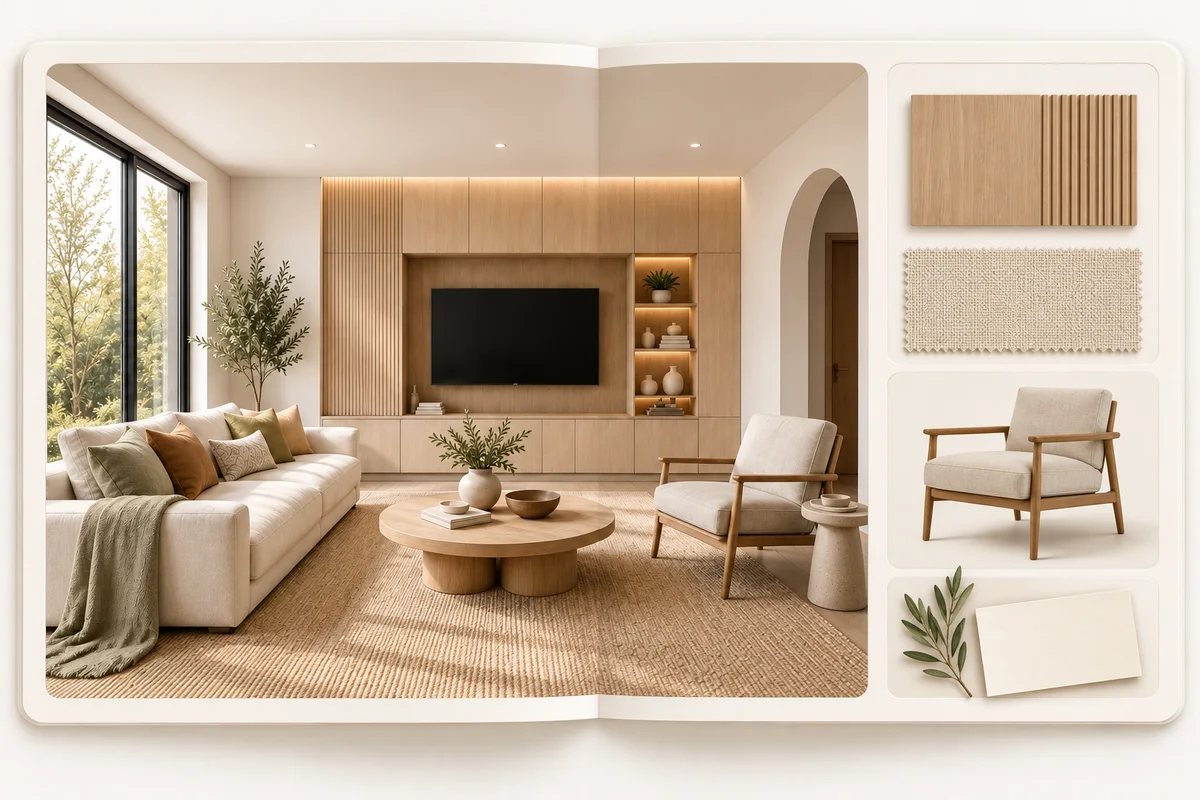
Illustrative example: an early idea needs explaining, and the person who usually prepares the room visual is busy.
Keep the plan or room sketch and style references together in the project. Identify the question the room visual needs to help the client answer.
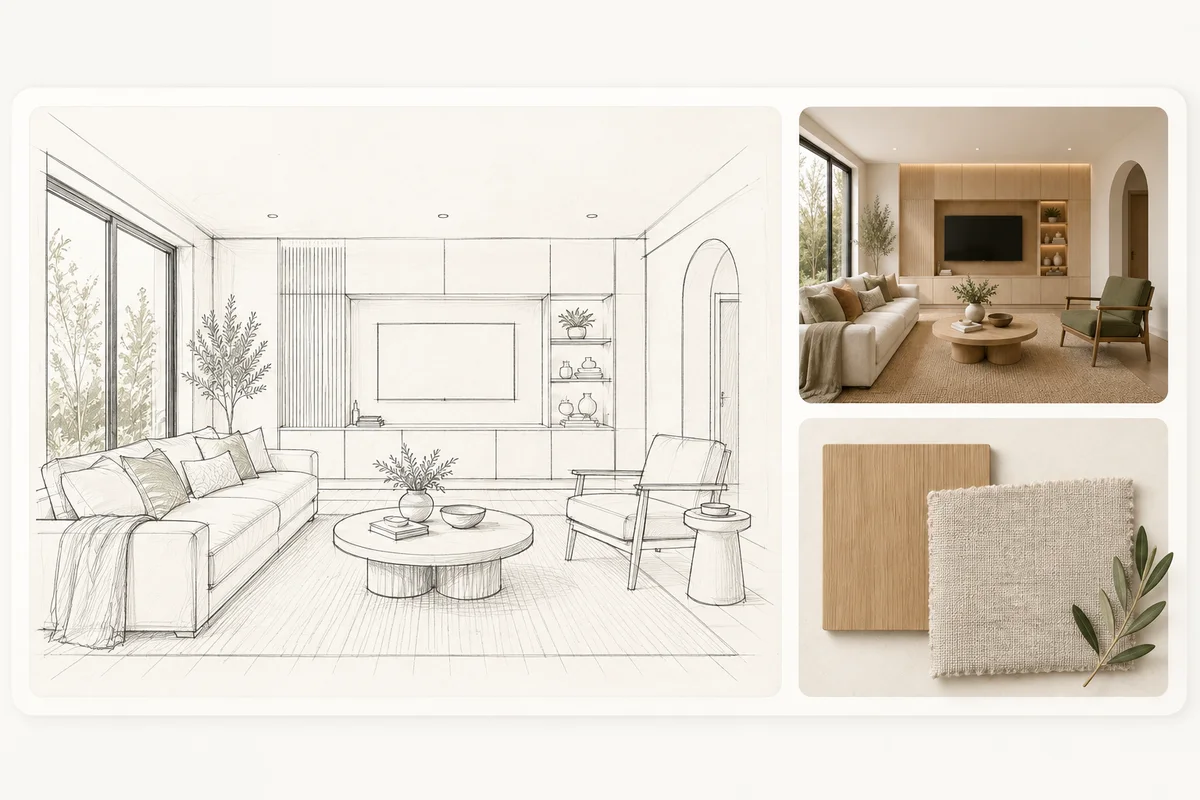
Use Studio Assistant inside the product to prepare the input and refine your instructions for an initial room visual. You decide what to ask the specialist AI team to produce.
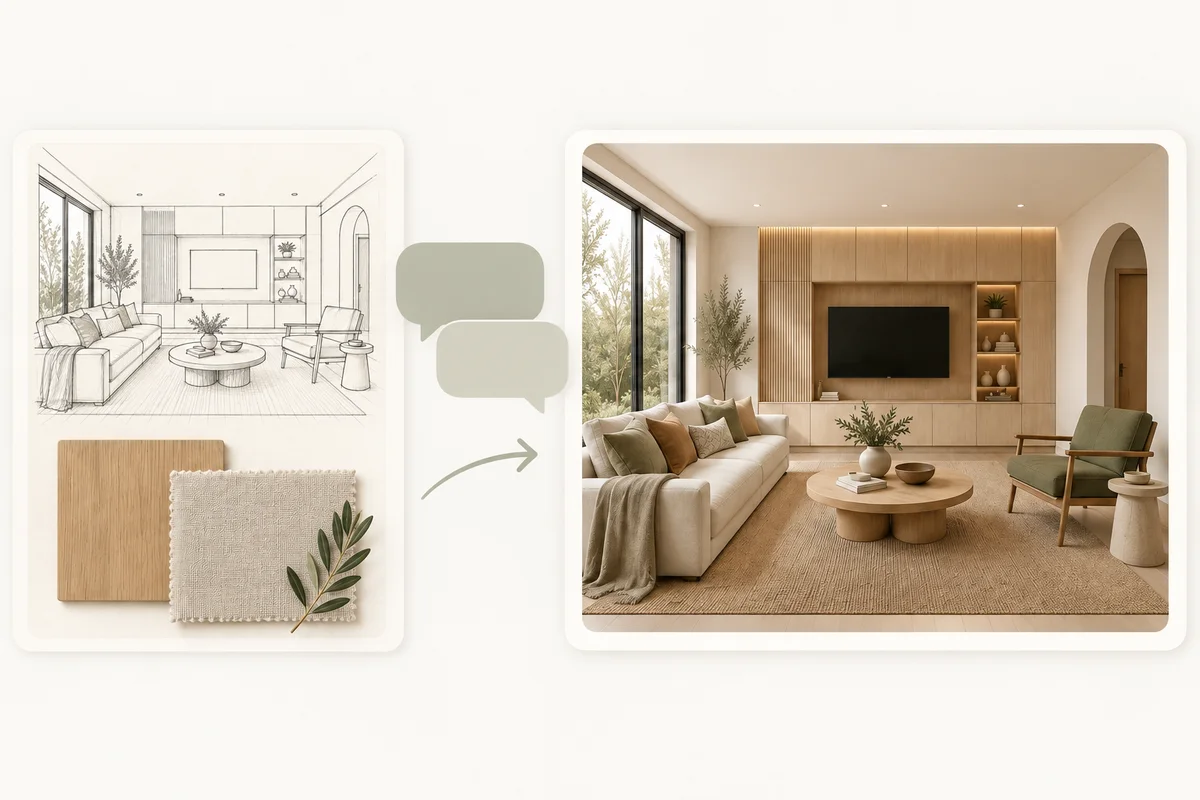
The specialist team produces the visual from your brief. Check inferred details before sharing it to discuss the direction. Use measured drawings and physical samples for technical and finish decisions.
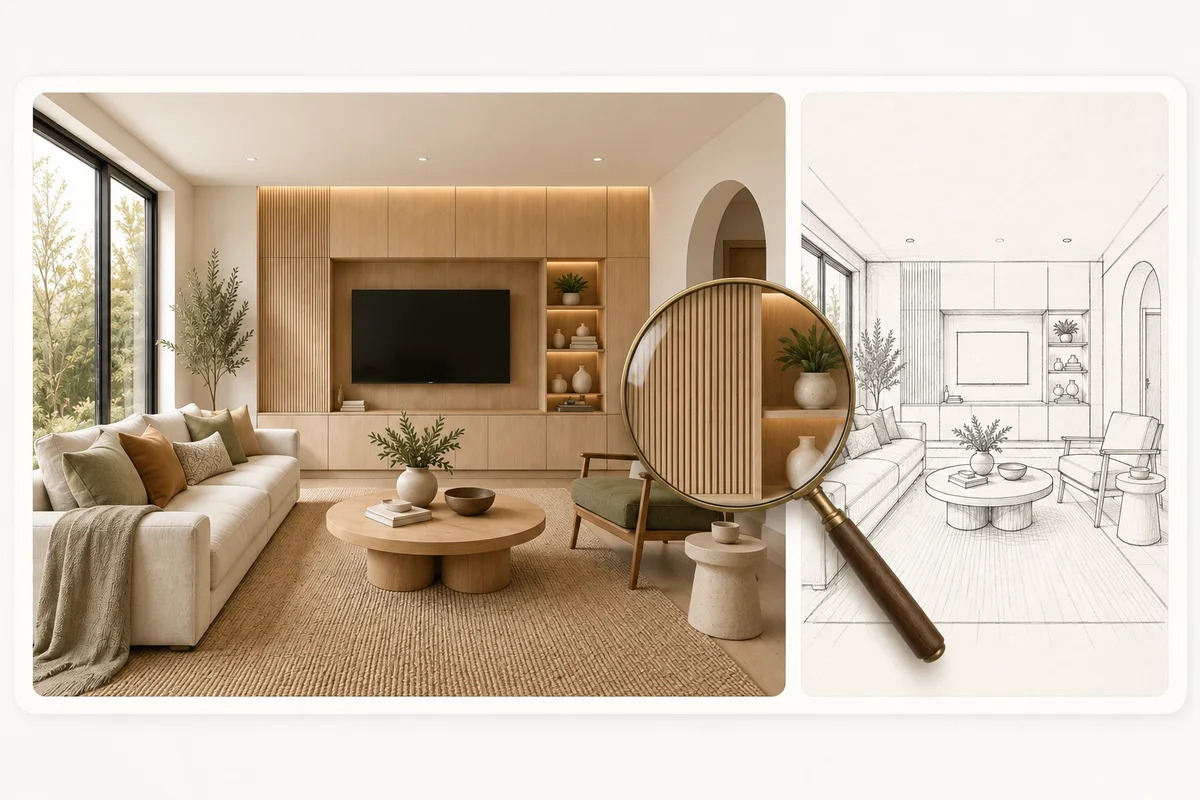
Help sales and specification staff explain your range in a relevant interior, with product information alongside the recommendation.
Develop options, work through client feedback and prepare the proposal, whether you work independently or with a team.
Help customers shortlist products to check against their room and physical samples.
Find a workflow for the room, drawing or product in front of you, or explore pricing for the work you’re considering.
Plans and usage on the Pricing page